AI VOICE DICTATION FOR WINDOWS
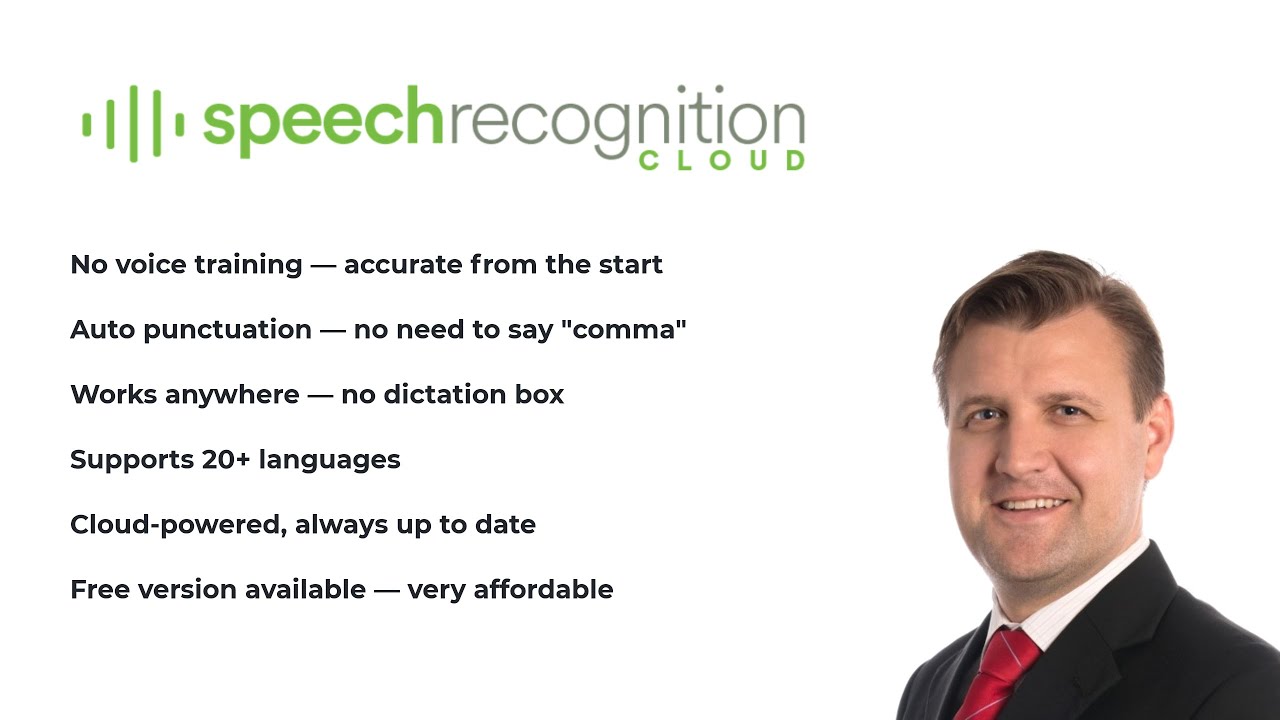
Turn your voice into accurate, punctuated text in Word, Outlook, web forms, and any Windows application. No voice training required.
No credit card required. Installs in 2 minutes. Windows 10/11.
"I built Speech Recognition Cloud after 28 years of deploying speech technology for tens of thousands of professionals. I have watched what works, what frustrates people, and what they actually need. Legacy dictation systems are overpriced, overcomplicated, and overdue for replacement. This product is the answer for most users."
Speech Recognition Cloud adapts to your profession. Choose your field to see how it fits your workflow.
Free 30-day Medical Ultra trial. Specialised vocabulary, ultra accuracy, works with any EMR.
Learn more →
Voice dictation for nurses, radiologists, allied health, and healthcare administration.
Learn more →
Draft contracts, briefs, and case notes by voice. Confidentiality controls built in.
Learn more →
Emails, reports, and documentation at the speed of speech.
Learn more →
Secure dictation for policy, correspondence, and procurement documentation.
Learn more →
Essays, notes, and assignments faster. Affordable plans for students.
Learn more →
Lesson plans, reports, and correspondence without the typing.
Learn more →
Transcribe interviews, draft articles, and file stories faster.
Learn more →
Reduce keyboard use. An alternative input method for anyone with motor limitations.
Learn more →Dictate into any Windows application at your cursor. Word, Outlook, Chrome, EMRs, web forms. Anywhere you can type.
Install and start dictating immediately. No voice profiles, no calibration, no setup wizards.
Speak naturally. The AI adds punctuation, capitalisation, and formatting automatically.
Add specialised terms, names, and jargon. The system learns your terminology.
20+ voice commands for productivity. Auto-insert text blocks with templates.
Broad language support across Free, Personal, and Professional plans. Medical tier is English only.
Enhanced accuracy processing for Professional and Medical tiers. When precision matters most.
Audio is processed and not stored. Your data is never used for training. You stay in control.
Cloud AI handles accent variation well. Designed for real-world environments and diverse speakers.
Privacy is not a feature. It is how the product works.
Audio is processed in the cloud and immediately discarded after transcription
Transcribed text is delivered to your cursor and not stored on our servers
Your data is never used to train AI models
All connections are encrypted in transit
No audio recordings are saved at any point
Medical tier includes restricted AI modes for additional privacy
"It just works! Literally anyone can benefit from this. Just speak."
"Compared to my old dictation system, this is wild! Instantly accurate with no voice training."
"I don't know why I persisted with outdated expensive voice recognition software. This is the future."
"I can dictate into anything in Windows. It's that simple. And so much cheaper than the expensive medical dictation software I had."
"I used to struggle with expensive upgrades and complicated activation codes. SRC is simple, lightweight, and saves me hours every week."
"This is fast. I'm getting three times as much down as when I was typing. And no errors!"
"I don't even write briefs anymore. It just gets it."
"It just works! Literally anyone can benefit from this. Just speak."
"Compared to my old dictation system, this is wild! Instantly accurate with no voice training."
"I don't know why I persisted with outdated expensive voice recognition software. This is the future."
"I can dictate into anything in Windows. It's that simple. And so much cheaper than the expensive medical dictation software I had."
"I used to struggle with expensive upgrades and complicated activation codes. SRC is simple, lightweight, and saves me hours every week."
"This is fast. I'm getting three times as much down as when I was typing. And no errors!"
"I don't even write briefs anymore. It just gets it."
Start free, upgrade when you need more.
20 min/month. For students and occasional use.
Affordable unlimited dictation for study, work, and personal productivity.
For professionals who demand accuracy, speed, and advanced features.
Specialised for healthcare with medical vocabulary and ultra-high accuracy.
Pricing accurate at time of publication. Prices in USD and will convert to your local currency at checkout. Cancel anytime.
Right-click the installer, select , go to the Compatibility tab, and check Run this program in compatibility mode for Windows 7 .
A common cause for modern store-front execution failures is a corrupted app manifest. Re-registering the package folder manually resets the system's access configurations.
Run the installer ( gfwlivesetup.exe ) in Compatibility Mode for Windows 7 and as an Administrator.
Capcom’s cooperative shooter heavily relied on the marketplace framework for matchmaking and inviting friends. How to Fix Legacy Marketplace and Connection Errors microsoft games for windows marketplace 35500 top
Today, the successor to GFWL is the and the Xbox app on PC , which allows for Game Pass subscriptions and direct play of Xbox games. However, the scars of the GFWL era remain. Many classic games from that time—such as Fallout 3 , Batman: Arkham Asylum , and GTA IV —had to be patched years later by developers to strip out the GFWL requirements to make them playable again.
The Microsoft Games for Windows Marketplace has come a long way since its launch in 2006. With over 35,500 games available, it has become a go-to destination for PC gamers and game developers alike. Its user-friendly interface, secure transactions, and regular updates make it an attractive platform for gamers, while its wide reach, revenue share, and easy distribution make it a popular choice among developers. As the gaming industry continues to evolve, it's exciting to think about what the future holds for the Games for Windows Marketplace.
The Microsoft Games for Windows Marketplace, launched in 2007, was a digital distribution platform that allowed users to purchase and download games for their Windows PCs. At its peak, the marketplace offered over 35,500 titles, catering to a wide range of gamers with diverse interests. In this article, we'll take a nostalgic look back at the Microsoft Games for Windows Marketplace, exploring its history, features, and the top games that made it a beloved destination for PC gamers. Right-click the installer, select , go to the
The Marketplace was the digital storefront and download client for GFWL-branded games.
Microsoft sought to bridge this gap with a unified platform designed to standardize the PC gaming experience, often touted for its vast catalog potential and integration with the Xbox ecosystem. While the original "Games for Windows – LIVE" branding has long been retired, the foundational philosophy of that era paved the way for the current robust on Windows 10/11, offering thousands of top-tier, popular, and indie titles. The Legacy of Games for Windows – LIVE (GFWL)
The marketplace served as the exclusive digital home for several high-profile PC releases and downloadable content (DLC). Run the installer ( gfwlivesetup
On August 22, 2013, Microsoft pulled the plug on the (the storefront). However, they kept the GFWL authentication servers running until 2018. This created a bizarre twilight zone: you could download games you already owned, but you could not buy new ones.
Accounts that transitioned into modern Xbox Game Pass or Microsoft Accounts often encountered database mismatches when attempting to authenticate through the legacy GFWL marketplace architecture. Top Games Impacted by the Marketplace Closure